What VigilShield does
It sits quietly on your Windows computer and watches — your network, new programs, your files.
🛰 Real-time network watch
Every outbound connection is checked against a threat list of known malicious servers, updated from public threat-intelligence feeds (abuse.ch, FireHOL).
🛡 Automatic blocking
On a match, the attacking connection is killed and the server is blocked in your Windows Firewall. One click undoes every block it ever made.
🚨 Instant red alerts
A full, unmissable warning with sound the moment a threat is stopped. No silent failures.
🔍 Suspicious program detection
Warns you about shady programs starting from temp folders with disguised names — double extensions, random-looking names.
🪤 Ransomware canary files
Hidden tripwire files in your Documents. If something starts mass-encrypting your files, you get warned.
📋 Exposure scan
A plain-language report of where your PC is exposed right now — firewall off? risky ports open? protection disabled? — so you can fix it before attackers come.
🔌 USB, startup & hosts guards
Warns the second a USB drive is plugged in. Lists programs that start with Windows and flags suspicious ones. Detects hijacks of your hosts file, with one-click restore.
📦 Quarantine manager
Suspicious files are moved aside — never deleted. Restore or delete them, and whitelist anything you trust, with one click.
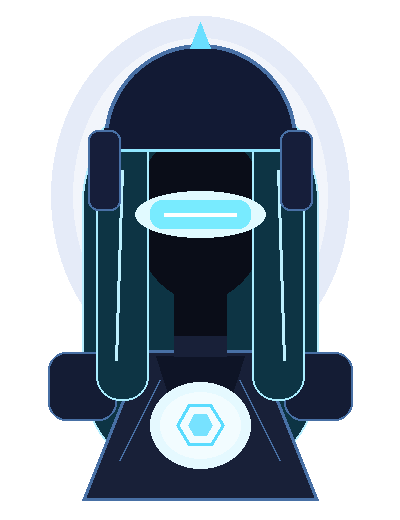
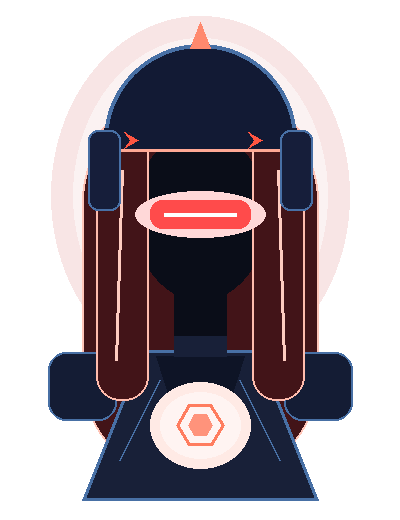
Meet your guardian
She sits at the center of your dashboard and tells you, at a glance, exactly where you stand.

What VigilShield does NOT do
For security software, trust is everything. So here is the truth, up front:
❌ It cannot predict an attack before it starts
Nobody's software can — not ours, not the billion-dollar security companies'. Anyone who promises that is lying.
❌ It is not a replacement for antivirus
Keep Windows Defender (free, built into Windows) or your antivirus turned on. VigilShield works alongside them as a second pair of eyes.
❌ It does not stop 100% of attacks
It blocks known threats fast and flags suspicious behaviour — that catches the common, everyday attacks, which is most of what hits home users.
Questions
Does it work with my antivirus?
Yes — keep Windows Defender or your antivirus ON. VigilShield works alongside them as a second pair of eyes, not a replacement.
Which Windows versions?
Windows 10 and Windows 11.
Why does it ask for administrator?
Blocking attackers in the Windows Firewall requires admin rights. Without admin, VigilShield still watches and warns — it just can't auto-block.
Will it slow down my PC?
No. It quietly checks connections in the background and only speaks up when something's wrong.
Can it really stop hackers?
Honest answer: it blocks known attacker servers fast and warns you about suspicious behavior — that stops the common, everyday attacks. No software stops everything, and nothing predicts attacks before they start. Anyone claiming otherwise is lying.
What if it blocks something I trust?
One click removes any block, and quarantined files are moved — never deleted — so you can restore them.
Is my data sent anywhere?
No. VigilShield runs entirely on your PC. The only internet it uses is downloading the public threat list when you click "Update threat list".
Refunds?
14 days, no questions asked.
Don't wait until you're the headline.
$19 one-time. No subscription.
Get VigilShield nowWindows 10/11 · 14-day no-questions refunds · Free updates · Runs alongside your antivirus